Puppyone CLI v0.1.0 — What's New
April 12, 2026Guantum @puppyone
What is Puppyone?
Puppyone is a file workspace for multi-agent collaboration. Think of it as GitHub, but instead of code repos, it hosts context — the documents, data, and configs that AI agents need to do their work.
The problem it solves: your information is scattered across Gmail, Notion, GitHub, Google Drive, local folders, and dozens of other places. AI agents can't access any of it easily. Puppyone pulls everything into one unified workspace, then lets any agent (Claude, GPT, Cursor, your own bots) read and write that workspace through a standard protocol called MUT (Managed Unified Tree) — like Git, but designed for AI.
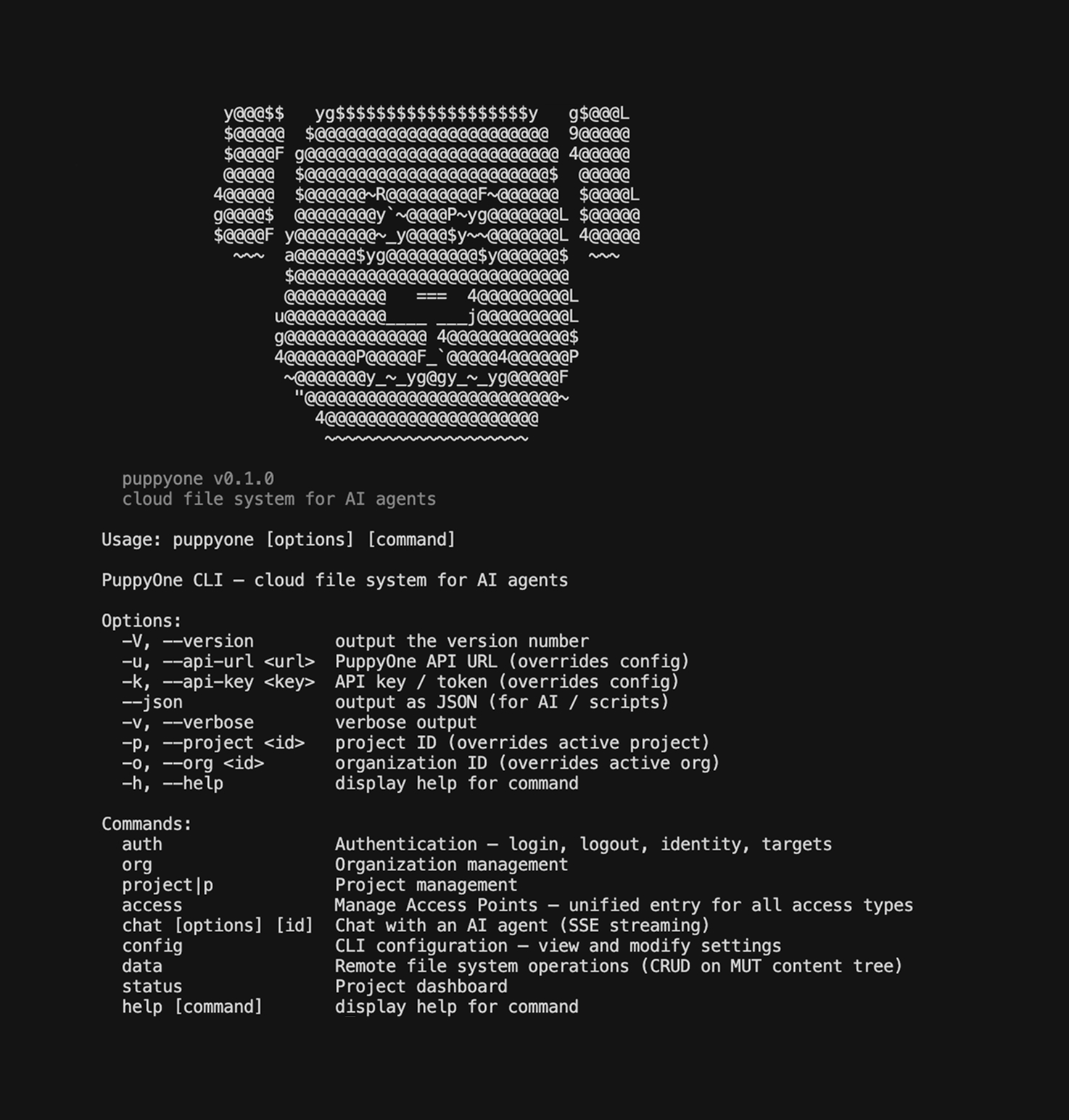
The Puppyone CLI (puppyone) is the command-line tool that lets you manage all of this from your terminal.
What's in v0.1.0?
Three big changes: a remote file system you can operate from terminal, a unified command for all data connections, and a simpler sync model that replaces the old background daemon.
1. puppyone data — Operate Your Cloud Workspace from the Terminal
What this is: Puppyone stores your data in a cloud file system (folders, JSON, Markdown, files). Previously, you could only browse and edit this through the web UI. Now you can do everything from the terminal.
Why it matters: AI coding tools like Claude Code and Cursor work in the terminal. Scripts run in the terminal. CI/CD pipelines run in the terminal. Now they can all read and write your Puppyone workspace directly.
puppyone data ls /docs              # list files in a folder
puppyone data cat /docs/readme.md   # read a file
puppyone data write /config.json '{"model": "gpt-4"}'  # create or update
puppyone data mkdir /new-folder     # create a folder
puppyone data tree /                # see the full workspace tree
puppyone data cp /src/a.md /backup/ # copy
puppyone data mv /old /new          # move or rename
puppyone data trash /temp.json      # soft delete (recoverable)
puppyone data restore /temp.json    # undo a delete
Every command also supports --json for structured output, so you can pipe it into scripts or feed it to AI agents:
puppyone data ls /docs --json | jq '.entries[].name'
Full command list: ls, cat, tree, stat, write, touch, mkdir, cp, mv, rm, trash, restore.
2. puppyone access — One Command to Connect Everything
What this is: Puppyone can pull data from 15+ platforms (Gmail, GitHub, Notion, Google Drive, etc.), sync with local folders, create AI agents, expose MCP endpoints, and run sandboxes. All of these are called "Access Points" — they're the doors through which data flows in and out of your workspace.
Previously these were managed through separate commands. Now there's one unified command: puppyone access.
# Connect data sources
puppyone access add gmail                  # pulls your emails into the workspace
puppyone access add github --set repo=myorg/myrepo  # syncs a GitHub repo
puppyone access add notion                 # imports Notion pages

# Sync a local folder (two-way, via MUT protocol)
puppyone access add filesystem /code       # links a local directory

# Create AI agents and endpoints
puppyone access add agent "Research Bot"   # creates an AI agent
puppyone access add mcp "My API"           # creates an MCP endpoint
puppyone access add sandbox "Runner"       # creates an isolated execution environment

# Manage everything the same way
puppyone access ls                         # see all connections at a glance
puppyone access info <id>                  # full details for any access point
puppyone access pause <id>                 # pause a sync
puppyone access resume <id>               # resume it
puppyone access rm <id>                    # remove a connection
You can also discover what's available and how to configure it:
puppyone access providers      # list all supported connectors
puppyone access schema gmail   # see what config fields Gmail accepts
3. No More Background Daemon
What changed: In v0.0.2, local folder sync ran through a background daemon process — a persistent process that watched your files and synced automatically. It was fragile, hard to debug, and crashed silently.
How it works now: Filesystem sync uses the MUT protocol directly. After creating a filesystem access point, you use simple, explicit commands:
mut clone <url> --credential <key>    # one-time setup: clone workspace to local
mut commit -m "updated docs" && mut push  # push local changes to cloud
mut pull                                   # pull changes from cloud
No background process. No mystery state. You push when you're ready, you pull when you need to. Just like Git.
For Developers & Agent Builders
If you're building on top of Puppyone or integrating it into AI agent workflows:
- All commands support
--json— pipe output intojq, feed it to agents, use it in CI - OAuth flows built in —
puppyone access auth githubopens browser-based OAuth, no manual token juggling - Config schema introspection —
puppyone access schema <provider>tells you exactly what fields are available, with types and defaults - Unified API surface — every access point (Gmail, GitHub, filesystem, agents, MCP, sandbox) uses the same CRUD verbs:
add,ls,info,update,pause,resume,rm
Upgrading from v0.0.2
npm install -g puppyone@latest
| Before (0.0.2) | After (0.1.0) |
|---|---|
puppyone connect add filesystem /path | puppyone access add filesystem /path |
puppyone status (showed daemon status) | puppyone access ls (shows all access points) |
| Background daemon auto-synced files | mut push / mut pull (you control when) |
| No way to read/write cloud files from CLI | puppyone data ls, cat, write, tree, etc. |
Get Started
npm install -g puppyone
puppyone auth login
puppyone project use "My Project"
puppyone data ls /
Learn more: puppyone.ai