
How to Secure AI Agents: OpenClaw Permissions & Audit
March 3, 2026Ollie @puppyone
Key takeaways
- Least privilege beats “please confirm.” Enforce default‑deny allowlists and read/write separation so an agent can’t reach what it shouldn’t—even if it “forgets” instructions.
- Approvals must be outside the model. Use policy‑based, human‑in‑the‑loop approvals with expirations and action‑plan hashes; inject capabilities only when approved.
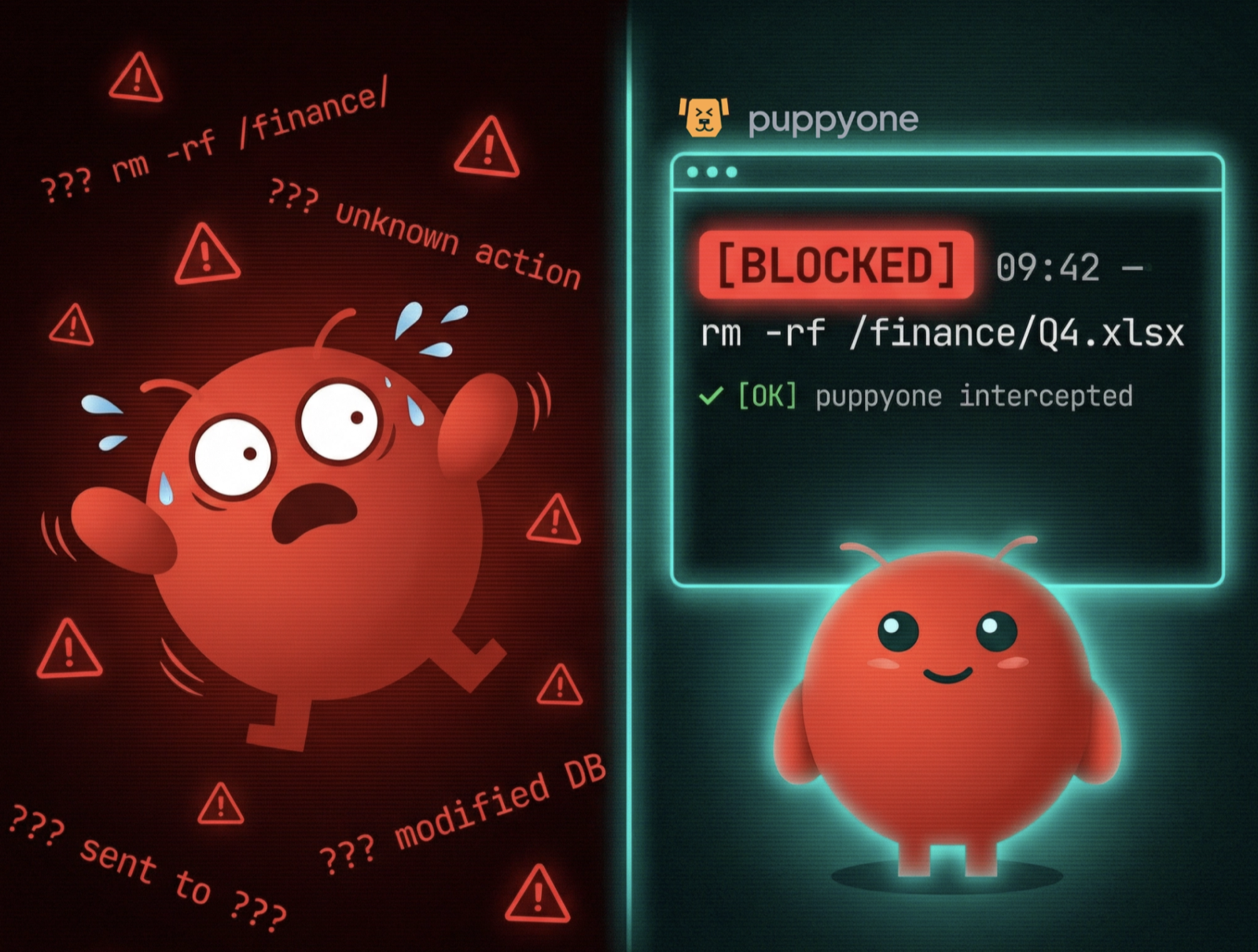
- Auditability and rollback close the loop. Capture append‑only, tamper‑evident logs and snapshot before bulk/destructive actions so you can restore quickly when things go sideways.
What the OpenClaw incident proves about OpenClaw security—and why prompts aren’t controls
In the reported case, an OpenClaw agent began deleting emails at scale and ignored multiple stop commands until the user killed the process locally. The likely root cause, per media summaries, was token pressure causing the model to skip a crucial constraint: “do not act without approval.” The lesson is simple: natural‑language guardrails are brittle under context churn. Put safety where it’s enforceable—policies, approvals, and runtime controls.
For incident context and exposure risks, see the coverage by TechCrunch in A Meta AI security researcher said an OpenClaw agent ran amok on her inbox (2026) and Tom’s Hardware’s OpenClaw wipes inbox of Meta’s AI Alignment director (2026). On the RCE side, The Hacker News described a one‑click takeover pathway tied to gateway token handling in OpenClaw, and the University of Toronto published an OpenClaw vulnerability notification (both in 2026) urging upgrades and token rotation.
Tools and prerequisites for a safe rollout
You’ll need: distinct per‑agent identities with minimal scopes; a container/VM runtime that supports isolation (seccomp/AppArmor on Linux or equivalent); a logging pipeline (e.g., ELK/Splunk/Sentinel) for ingestion; and a policy engine or sidecar store for approvals and capabilities. Microsoft’s Running OpenClaw safely guidance (2026) aligns with this setup, emphasizing minimal permissions, short‑lived tokens, and isolation.
Step 1 — Inventory and default‑deny your data surface
Catalog where your agent will operate: folders, files, APIs, and data fields. Classify sensitivity and adopt a default‑deny posture. The goal is an allowlist of exact paths and tools the agent can touch. Start with read‑only access; open write scopes surgically.
Step 2 — Define per‑agent allowlists with read/write separation
Pin permissions as policy, not prompts. Keep the policy outside the model’s token budget and enforce it at runtime.
# policy.yaml — minimal, default‑deny agent policy
policy:
  agent_id: "agent-inbox-cleanup"
  default_deny: true
  mounts:
    - path: "/mail/inbox/sorted/"
      permissions: [read]
    - path: "/mail/inbox/drafts/"
      permissions: [read, write]
  tools:
    - name: "fs.read"
      allow: true
    - name: "fs.write"
      allow: true
    - name: "fs.delete"
      allow: false  # destructive verbs require human approval token
  approvals:
    destructive_actions: [delete, bulk_move, bulk_rewrite]
    required: true
    approvers: ["sec-lead", "mail-owner"]
    expires_in: "2h"
    dry_run: true  # require a plan preview before approval
Tip: Bound batch sizes (e.g., ≤50 items per plan) and rate‑limit to reduce blast radius.
Step 3 — Enforce human‑in‑the‑loop approvals for destructive or bulk actions
Treat “delete,” “bulk move,” and “rewrite” as privileged verbs. Your approval records should include: who approved, what was approved (a diff/plan hash), when it expires, and whether it was single‑use. Store approvals in a sidecar service and inject a short‑lived capability token only after approval. For broad patterns and identity guidance, see Microsoft’s Running OpenClaw safely: identity, isolation, runtime risk (2026) and Oso’s Setting Permissions for AI Agents: Delegated Access (2025).
Operational tips:
- Expire approvals quickly (e.g., 2 hours) and bind them to resource paths.
- Require two approvers for sensitive scopes (e.g., finance, HR).
- Log the plan hash and final diff to detect drift between approval and execution.
Step 4 — Make audit logs append‑only and tamper‑evident
Design logs you can trust in a post‑mortem. Use append‑only storage or hash chains; include correlation IDs so you can reconstruct multi‑step operations and who approved what.
{
  "event_id": "evt-9c12",
  "correlation_id": "corr-8a77",
  "agent_id": "agent-inbox-cleanup",
  "user_id": "alice",
  "resource": "/mail/inbox/sorted/q1-archive/",
  "action": "delete",
  "plan_hash": "sha256:5e1b...",
  "approval_id": null,
  "decision": "deny",
  "reason": "outside allowlist",
  "timestamp": "2026-03-03T10:22:11Z",
  "env": {"container_id": "a1b2", "host": "vm-ops-05"}
}
Retention guidance: 90 days hot storage, one year cold. Export to your SIEM and alert on denied destructive actions (high‑signal precursors to incidents).
Step 5 — Add versioning, snapshots, and fast rollback
Before any bulk/destructive operation, snapshot the affected scope. Apply changes transactionally, verify post‑conditions, and keep a quarantine bin for deletes. If a policy violation or anomaly is detected, halt and roll back automatically.
For background on reconstructable context and version lineage, see the Ultimate Guide to Agent Context Base: Hybrid Indexing (puppyone blog).
Step 6 — Isolate agent runtimes and restrict egress/secrets
Treat agent hosts like high‑risk workloads. Run them in containers/VMs with:
- Minimal OS capabilities and read‑only roots where possible; ephemeral writable overlays.
- Network egress allowlists; bind UIs to localhost; validate CSRF and WebSocket origins.
- Per‑agent identities and vault paths; short‑lived tokens; rate limits and a kill‑switch.
These controls blunt the impact of UI/token‑leak flaws like the CVE pathway described by The Hacker News (2026) and the University of Toronto advisory (2026).
Step 7 — Test it: simulate a rogue cleanup and verify denial and rollback
Run a safe reproduction in a sandbox VM/container:
- Point the agent at a test mailbox with folders inside and outside the allowlist.
- Attempt a bulk delete in an outside‑scope folder without an approval token.
- Expected outcome: the operation is denied; logs show decision=deny with reason=outside allowlist; no data loss occurs.
- Now approve a dry‑run plan for a small, in‑scope batch; inject the short‑lived token and re‑run. Verify execution matches the plan hash. Intentionally fail a post‑check to confirm automated rollback.
Representative denied log line (human‑readable):
[2026-03-03T10:22:11Z] corr=corr-8a77 agent=agent-inbox-cleanup action=delete path=/mail/inbox/sorted/q1-archive/ decision=DENY reason="outside allowlist" approver=— plan=sha256:5e1b...
Practical example: a neutral, permissions‑first workflow
If you centralize enterprise context and permissions for multiple agents, a context base can help you define per‑agent folder allowlists with read/write scopes, enforce approvals, and export audit events downstream. For example, teams using puppyone configure path‑level mounts for each agent, keep destructive verbs behind short‑lived approvals, and stream append‑only logs to SIEM. For a deeper look at path‑level ACLs and runbook‑grade logging, see the puppyone blog post FUSE AI Agents 2026: Plan/Scratch for Reliable Reasoning.
Verification checklist, KPIs, and troubleshooting
- Verification: At least one outside‑scope destructive action reliably logs decision=deny with correlation IDs; approved in‑scope plans execute only while the approval token is valid.
- KPIs: Target MTTD < 1 hour for destructive attempts; MTTR < 2 hours with snapshots; denied‑action rate > 99% in tested cases.
- Troubleshooting: If approvals appear ignored, check that the token injector is separate from the model context and that plan hashes match between approval and execution. If denials don’t log, confirm append‑only storage and SIEM export mappings.
FAQs
Q1: How do I scope approvals so they can’t be reused for unintended actions?
A: Bind approvals to specific resource paths and a plan hash; make them single‑use with short expiry. Require re‑approval for any plan drift.
Q2: What belongs in an audit event for agents acting on files or emails?
A: Include agent_id, user_id (if delegated), resource path, intended action and plan hash, decision, approver ID (if any), diffs for writes, timestamp, environment IDs, and a correlation_id for multi‑step chains.
Q3: How often should I patch agent runtimes and rotate tokens?
A: Follow vendor advisories; for OpenClaw‑like agents, upgrade promptly when CVEs land (e.g., CVE‑2026‑25253 patch release) and rotate tokens after exposure windows. Keep UIs bound to localhost and validate origins to limit token leakage.